谷歌Chrome浏览器测试跨设备共享标签页自动打开功能,省去点击通知步骤

IT之家
Apr 13

IT之家 4 月 13 日消息,谷歌 Chrome 浏览器正在测试一项更新,可在桌面端、iOS 及安卓设备间自动打开共享标签页,用户无需再点击通知即可打开。该功能预计在未来数月内向广大用户全面开放。
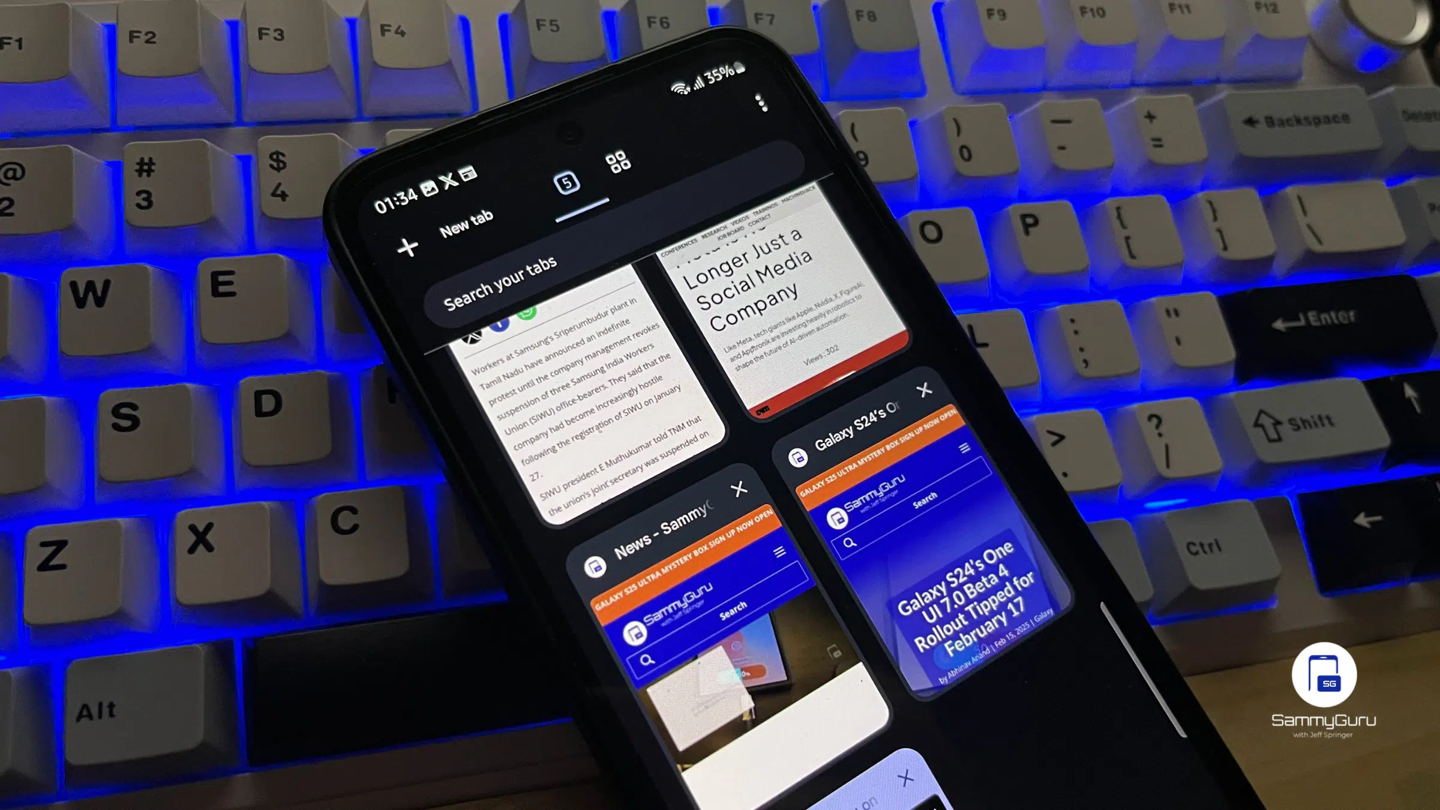
据IT之家了解,当你登录同一谷歌账号时,Chrome 允许在不同设备间发送标签页。你可以通过“发送至你的设备”选项并选择目标设备来分享页面。目标设备会收到一条通知,点击通知即可打开共享的标签页。

而这项新功能省去了这一步操作:Chrome 不再显示通知,而是直接在选定设备上自动打开标签页,随后会弹出提示信息确认操作完成。在 Chrome Canary 版的测试中,从安卓设备发送的标签页能在电脑上瞬间打开,之后会出现一条轻提示告知操作已完成。
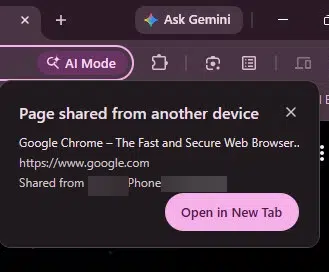
谷歌认为此举能简化使用体验。据其表示,现有流程“会增加操作阻力,且并无必要,毕竟发送标签页至自身是用户主动发起的行为”。用户仍需手动选择分享选项并指定设备,因此不会出现误操作。由于操作由用户触发,自动打开的方式反而不会造成打扰。

相关代码改动显示,该机制将在短时间内覆盖全平台。在安卓端,若 Chrome 正处于前台使用状态,且标签页在 10 分钟内接收,便可自动打开,随后弹出轻提示。在 iOS 端,类似逻辑也在开发中:当当前标签页可见且标签页在 10 分钟内接收时自动打开,之后弹出消息条提示。
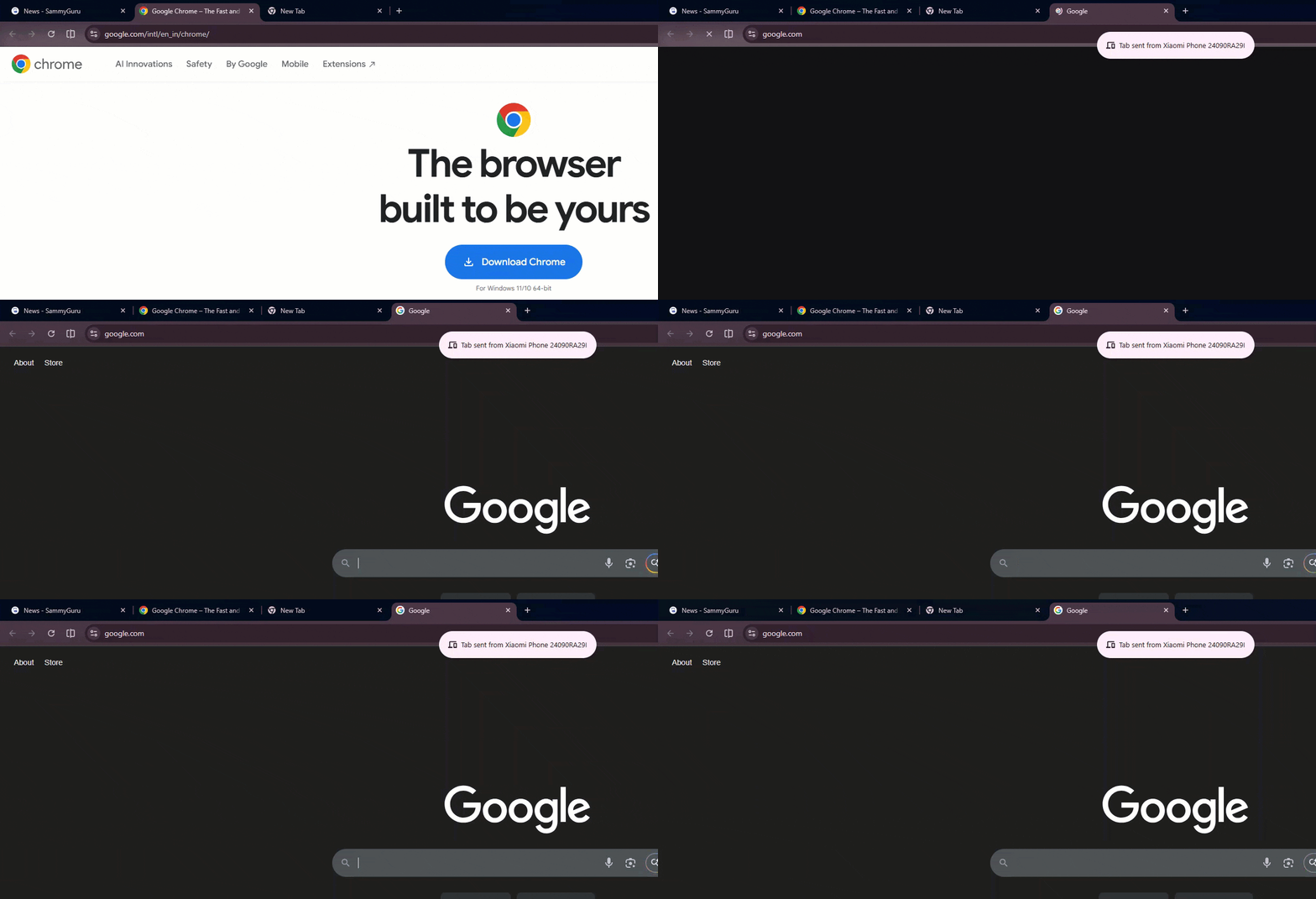
这些移动端的改动仍在逐步上线,而桌面端的相关表现已在 Canary 版中实现。该功能对应一项名为“增强版发送标签页至自身接力”的实验开关。

其还扩展了标签页共享的内容,可同步滚动位置、表单数据等额外信息。Chrome 能直接打开标签页,无需等待用户手动操作。在支持的设备上,可能需要先启用该实验开关才能使用此功能。

Disclaimer: Investing carries risk. This is not financial advice. The above content should not be regarded as an offer, recommendation, or solicitation on acquiring or disposing of any financial products, any associated discussions, comments, or posts by author or other users should not be considered as such either. It is solely for general information purpose only, which does not consider your own investment objectives, financial situations or needs. TTM assumes no responsibility or warranty for the accuracy and completeness of the information, investors should do their own research and may seek professional advice before investing.

Most Discussed

  1. 1


  2. 2


  3. 3


  4. 4


  5. 5


  6. 6


  7. 7


  8. 8


  9. 9


  10. 10